AI & Art
Can I Turn an AI-Generated Image into a Rug or a Painting?
An image you made with ChatGPT, Midjourney or Gemini can become a tufted rug, a wall piece or an acrylic painting. Which images work, what gets simplified, and how to order.
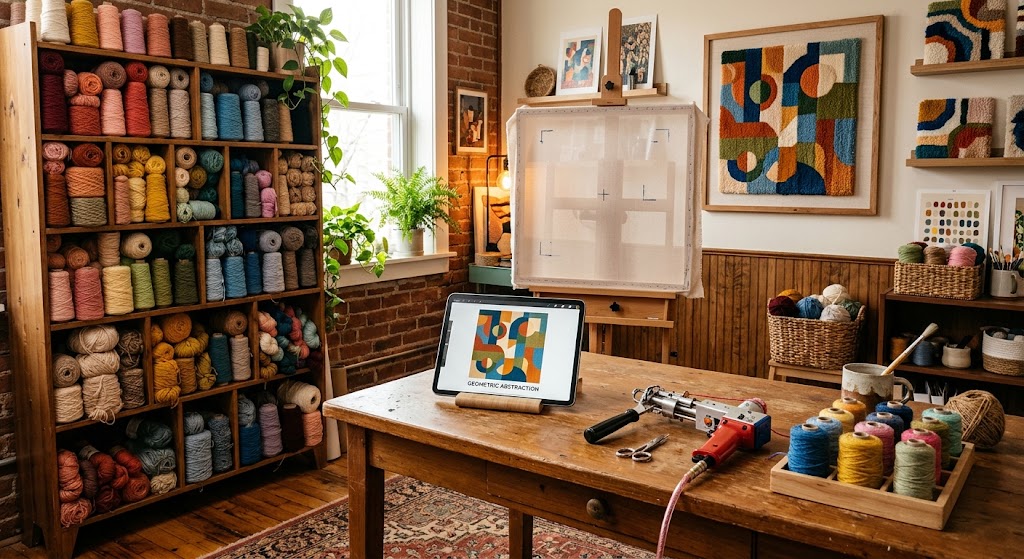
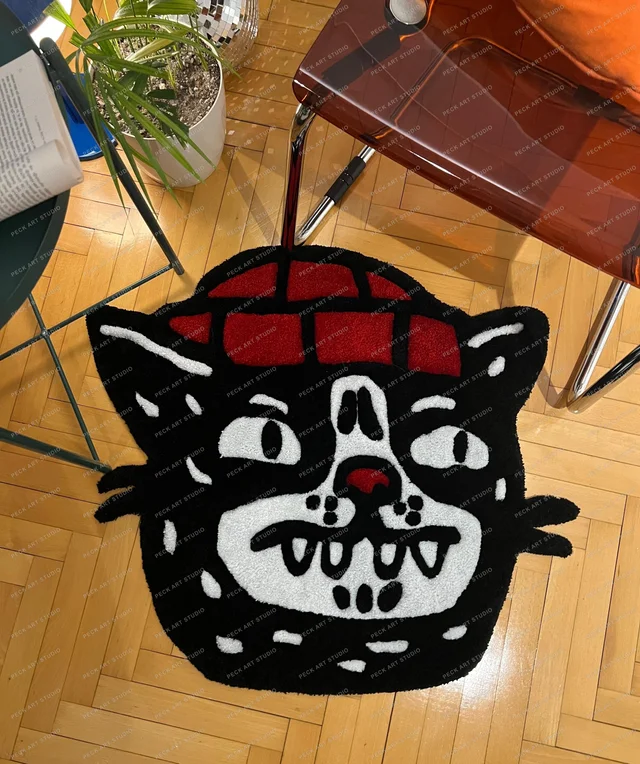
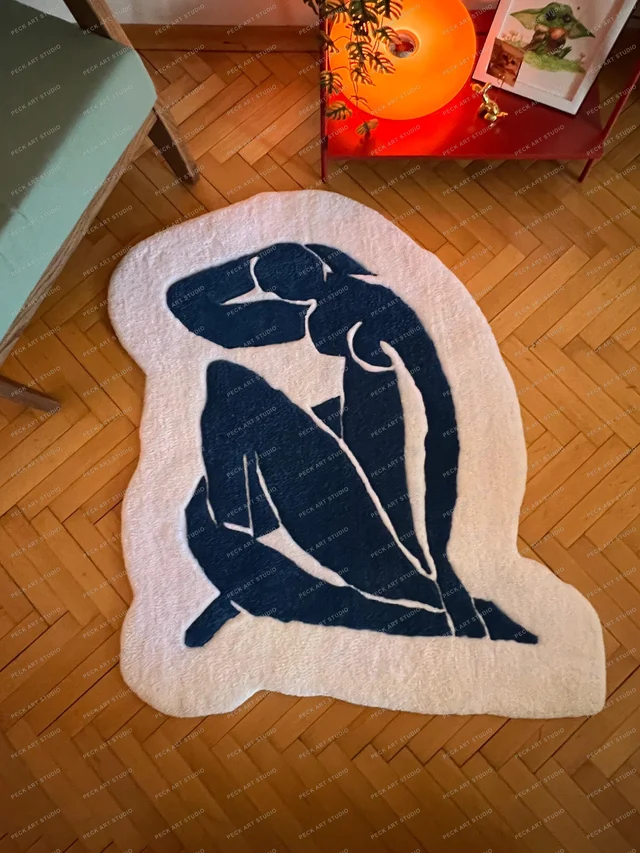
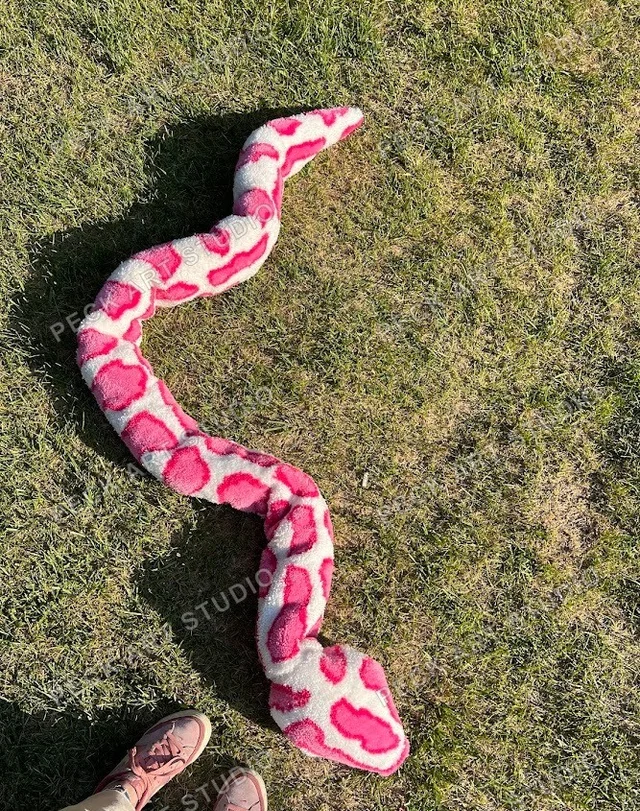
Yes. An image you made with ChatGPT, Midjourney, Gemini or any other tool can become a tufted rug, a tufted wall piece or an acrylic painting on canvas. It is not copied pixel for pixel; it is redrawn in a language that yarn or a brush can actually speak. Images with few colours, strong contrast and little fine detail give the best results. You start on the custom order page by choosing a technique and size and attaching the image as a reference.
AI tools have changed what a reference looks like. Instead of describing the idea in their head, people can now show it, and that makes my job easier. But not everything that looks perfect on screen survives the move to yarn. Below is which images work, which need changes, and why.
Can I have a rug or painting made from an AI image?#
Yes. I work in three techniques:
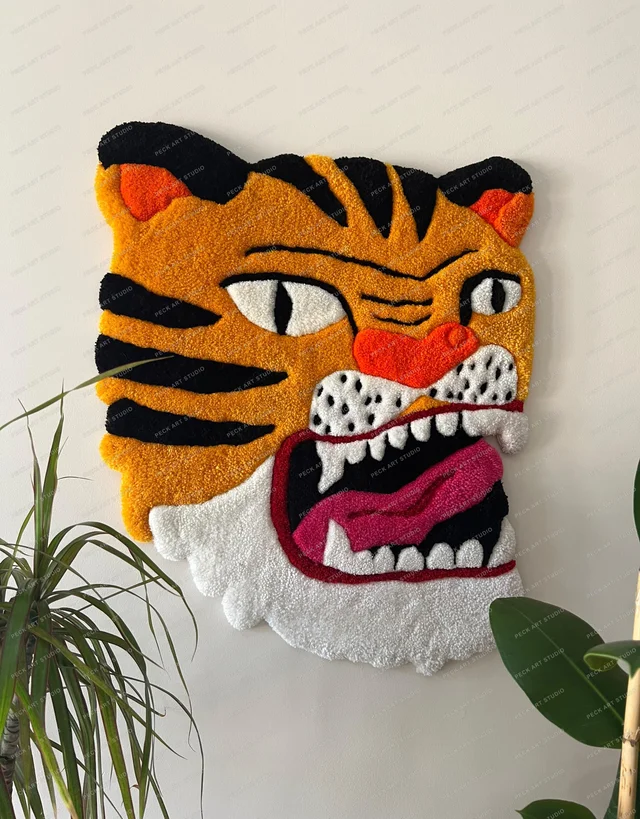
- Tufted wall piece: it hangs on the wall and nobody walks on it, so I can leave the pile longer and the texture bolder. Of the tufted options it is the most forgiving with detail.
- Tufted rug: it lives on the floor. Pile height and density are set for foot traffic, so the design needs to be a little simpler.
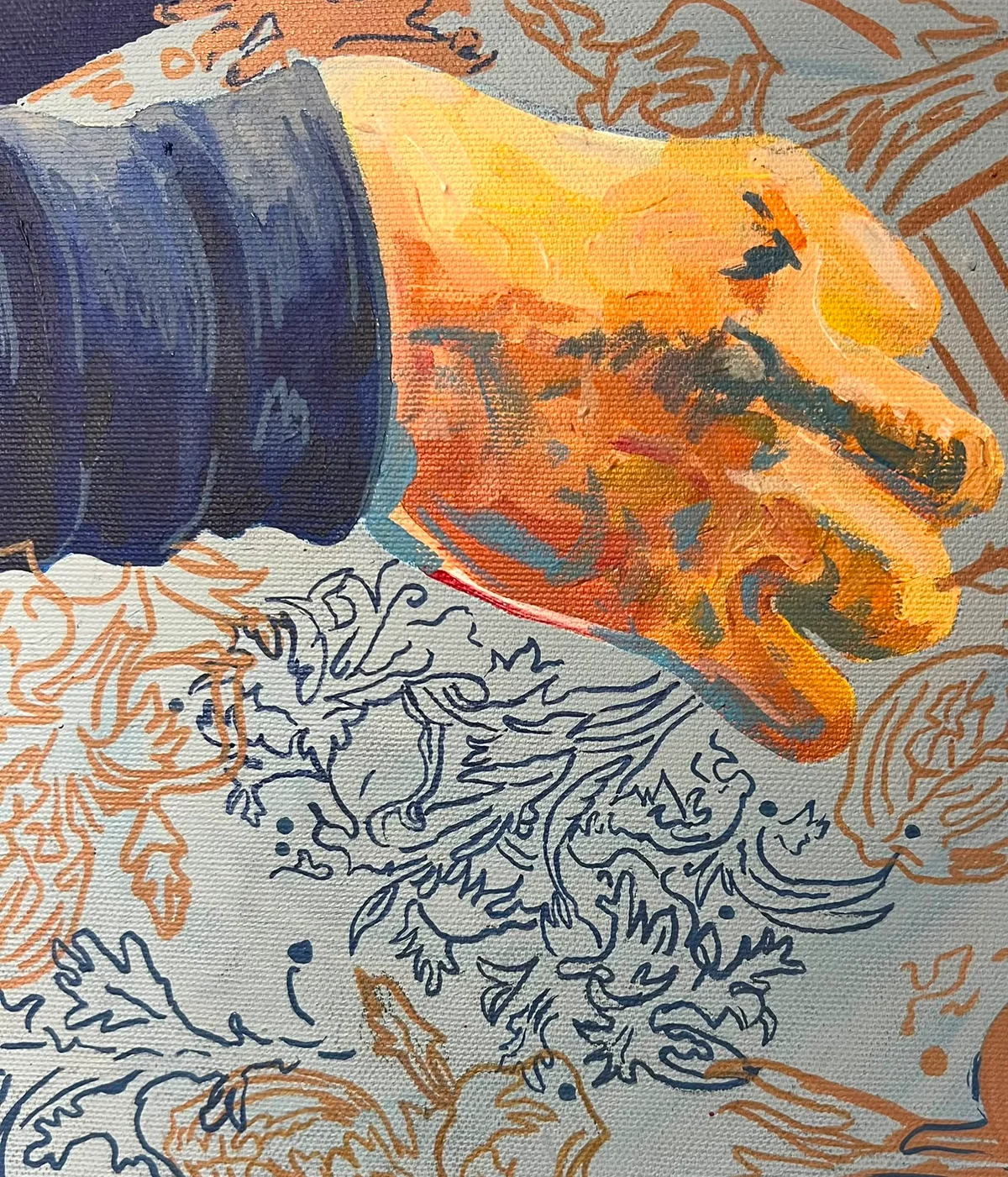
- Acrylic painting on canvas: painted by brush, so soft light, facial expressions and small details survive best here.
The amount of detail in your image decides which one fits. A realistic face, hazy light or very small objects point towards an acrylic painting. Flat colour areas, clean outlines and a graphic look are where tufting shines.
For the painting route see commissioning a custom acrylic painting; for tufting, the guide to custom tufted rugs and wall pieces.
Which AI images work for tufting?#
Images with few colours, large colour areas and clean edges. A tufting gun puts yarn into the cloth row by row, and a colour area has to be several rows wide to look full and even.
What I check when I assess an image:
- Number of colours: 4 to 8 gives the cleanest result. Up to 12 is workable. Beyond that, colours drift towards each other and stop reading as separate.
- Contrast: neighbouring colours need clearly different lightness. Two greyish blues that look distinct on screen read as one colour in yarn.
- Smallest area: a patch of colour should be at least 1.5 to 2 cm across. Anything smaller is dropped or merged into its neighbour.
- Line weight: outlines come out at least 5 to 8 mm thick in yarn. There are no hairlines in tufting.
- Lettering: below about 5 cm letter height, text stops being legible. Small text gets enlarged or removed.
- Background: flat, or two to three tones, is fine. Photographic blur (bokeh) turns into blotches.
The typical problem with AI images is micro-texture: thousands of tiny highlights, single strands of hair, the weave of a fabric. None of it has an equivalent in yarn. The good news is that the same tool, prompted a little differently, will give you something far better suited.
How do I prompt an AI tool for a tufting-friendly image?#
Add phrases that ask for a flat, graphic result:
- "flat vector illustration"
- an explicit colour limit, such as "limited color palette, 6 colors"
- "bold outlines"
- "no gradients, no texture"
- "plain background"
- "rug design, top view"
An example: "A yellow lemon with two green leaves, flat vector illustration, 5 colors, bold outlines, no gradients, plain cream background, rug design." An image from a prompt like that changes very little during adaptation.
Check the resolution when you download. For tufting I redraw the design by hand anyway, so 1024 pixels wide is plenty. For an acrylic painting, a file at least 1500 pixels on the short side makes details easier to read. Use the tool's own download button rather than a screenshot, which compresses the image.
What changes when an image is adapted for a rug?#
The changes are predictable, and you see them before anything is made. When I adapt an AI image for tufting I go through these steps:
- Count the colours and merge the ones that sit too close together.
- Break gradients into bands of two or three tones.
- Remove very small details, or enlarge them.
- Bring outlines up to a weight the gun can draw.
- Match each colour to the nearest yarn on my colour card.
- Draw the final design at full scale, in real centimetres.
That last step matters more than people expect. The same image at 40x40 cm and at 120x120 cm is two different jobs. At the small size an eye might be a single cluster of loops. At the large size I can show the pupil, the lid and the lash line separately.
A rough rule: the more detailed the image, the bigger the piece should be. Under 50 cm on a side, plan for one strong figure. Over 100 cm, a busier scene becomes possible.
Rug or wall piece also changes the detail. On a rug I keep the pile short and dense so it lasts; on a wall piece a longer, softer loop gives a richer surface under light. I explain the surface types in cut pile vs loop pile.
Am I allowed to use the AI image?#
This is general information, not legal advice. Most AI tools leave the right to use your output with you, but the terms vary by tool, by plan and by purpose. Have a look at the terms of the tool you used before you order.
What really needs attention is what is in the picture:
- A real person's face, famous or not, needs that person's permission.
- A brand's logo or a well-known product design brings the brand's rights into play.
- An image imitating a known cartoon or game character does not become original just because an AI drew it.
In these cases we need to talk before any work starts. I go into more detail in having a character, brand or Pinterest design made into a rug. If the image is an original scene you described yourself, there is usually no issue.
What do price and timing depend on?#
Three things set the price: technique, size in square metres, and level of detail. The calculator on the custom order page splits detail into simple, moderate and highly detailed, and AI images usually land in moderate or high. Simplify the image as described above and both price and time come down. Extras such as a fringed edge, a non-slip backing or special yarn are added on top.
I am not quoting figures because prices change. The price calculator on the custom order page shows the current range instantly, along with the current production time. If you want to know what goes into the price, what determines tufted rug prices covers it in detail.
What are the steps to order?#
- Generate your image and keep your two or three best variations.
- On the custom order page, choose the technique (rug, wall piece or painting) and the size.
- Pick the detail level and any extras.
- Upload your images at the reference step. You can attach up to 3.
- Send the request. You get a tracking code and use it to follow the conversation and the work.
- I send you the adapted drawing and colour list to approve. Production starts once you approve.
Every step from first message to delivery is in how a custom order works.
One suggestion: if you have several variations, send them all. Sometimes one has the right composition and another the right colours, and I can combine the two.
Finished tufted work is on the tufting page and acrylic paintings on the painting page. If your image is ready, choose a size and technique in the calculator and attach your reference.
Frequently Asked Questions
Can an image I made with ChatGPT be turned into a rug?
Yes. An image from ChatGPT, Midjourney or Gemini can be adapted into a tufted rug, a wall piece or an acrylic painting. It is redrawn for yarn: colours are limited and very small details simplified. You approve the adapted drawing before production starts.
How many colours should an image for a rug have?
The cleanest results come from 4 to 8 colours, and up to 12 is workable. More than that and the colours blur together in yarn. Neighbouring colours also need clearly different lightness.
Will the rug look exactly like the image?
No, it is adapted. Gradients become bands of two or three tones, colour areas under 1.5 cm and hairline strokes are simplified, and colours are matched to the nearest yarn. The larger the piece, the more detail survives.
What resolution does the AI image need?
For tufting, 1024 pixels wide is enough because the design is redrawn by hand. For an acrylic painting, aim for at least 1500 pixels on the short side. Use the tool's download button rather than a screenshot.
Does turning an AI image into a rug raise copyright issues?
As general information: most tools leave the right to use the output with the user, but terms vary by tool and plan. Problems usually come from what the image contains: a real person's face, a brand logo or an imitation of a known character needs the rights holder's permission.